 ZIKIMAN
Zikiman Trading Panel
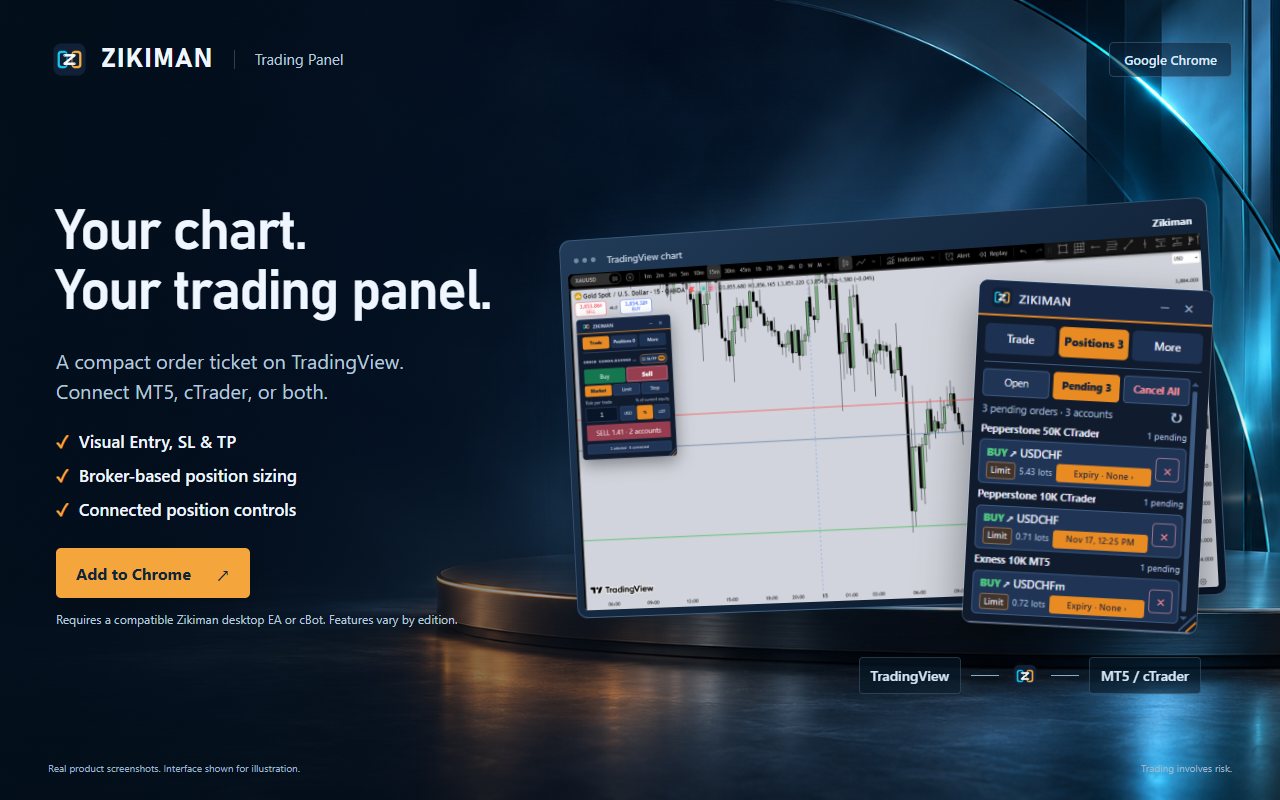
A compact order ticket on TradingView. Connect MT5, cTrader, or both.
- Visual Entry, SL & TP
- Broker-based sizing
- Light & dark themes
Chrome Web StoreComing soon
Zikiman connects a compact trading panel on TradingView to your MT5 and cTrader terminals, with broker-based position sizing and full position management.
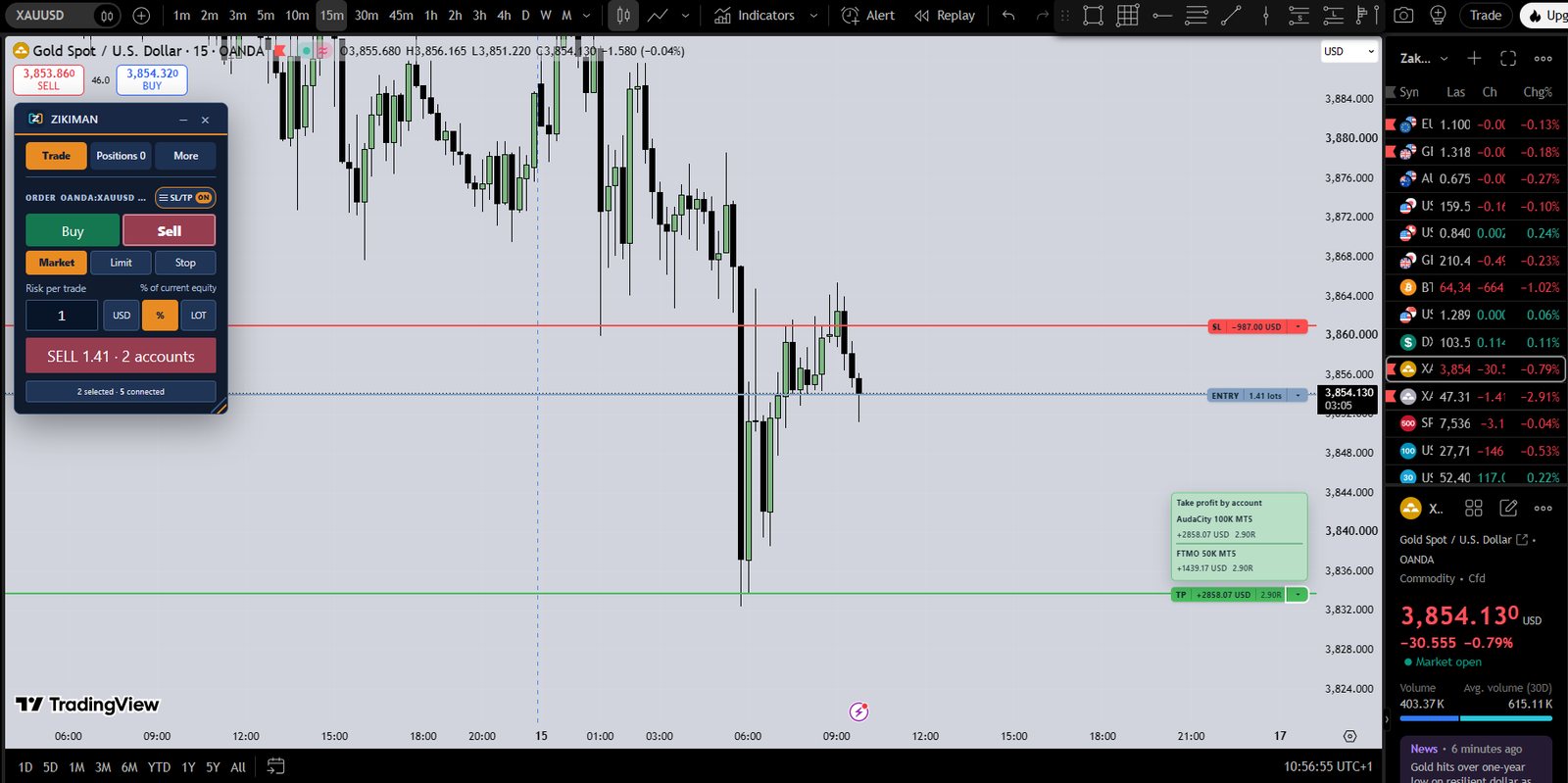
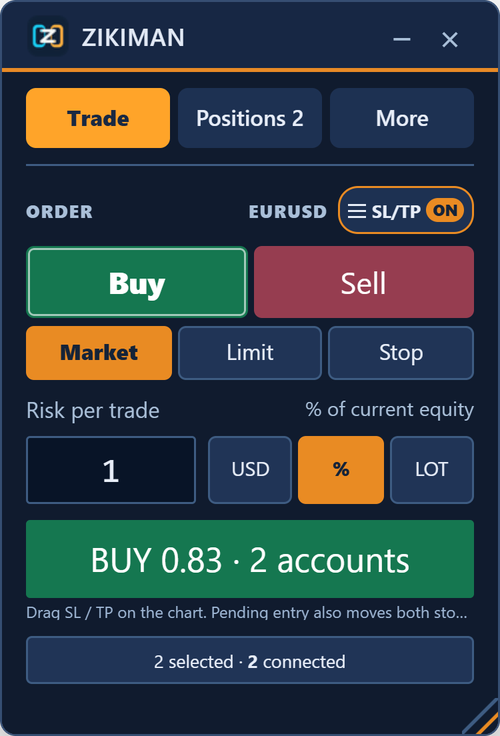
The Chrome extension is the chart interface. Pair it with the Zikiman EA or cBot that matches your platform.
A compact order ticket on TradingView. Connect MT5, cTrader, or both.
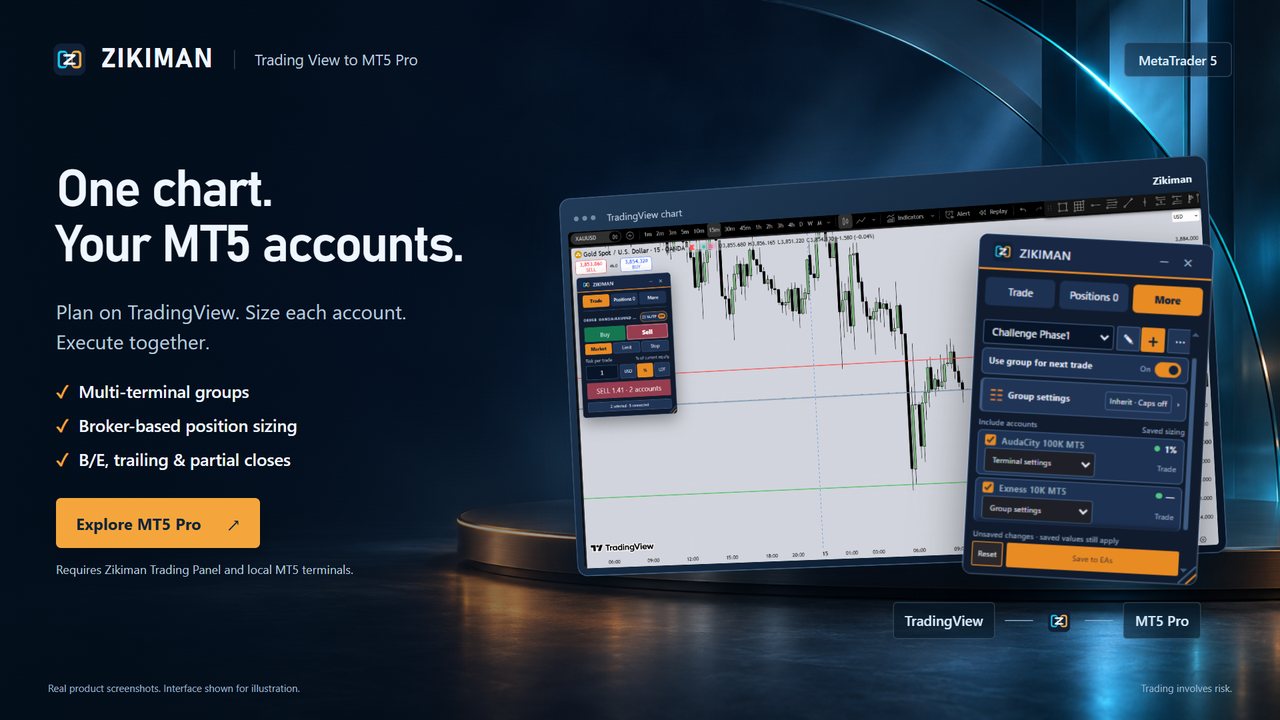
One chart, your MT5 accounts. Plan on TradingView, size each account, execute together.
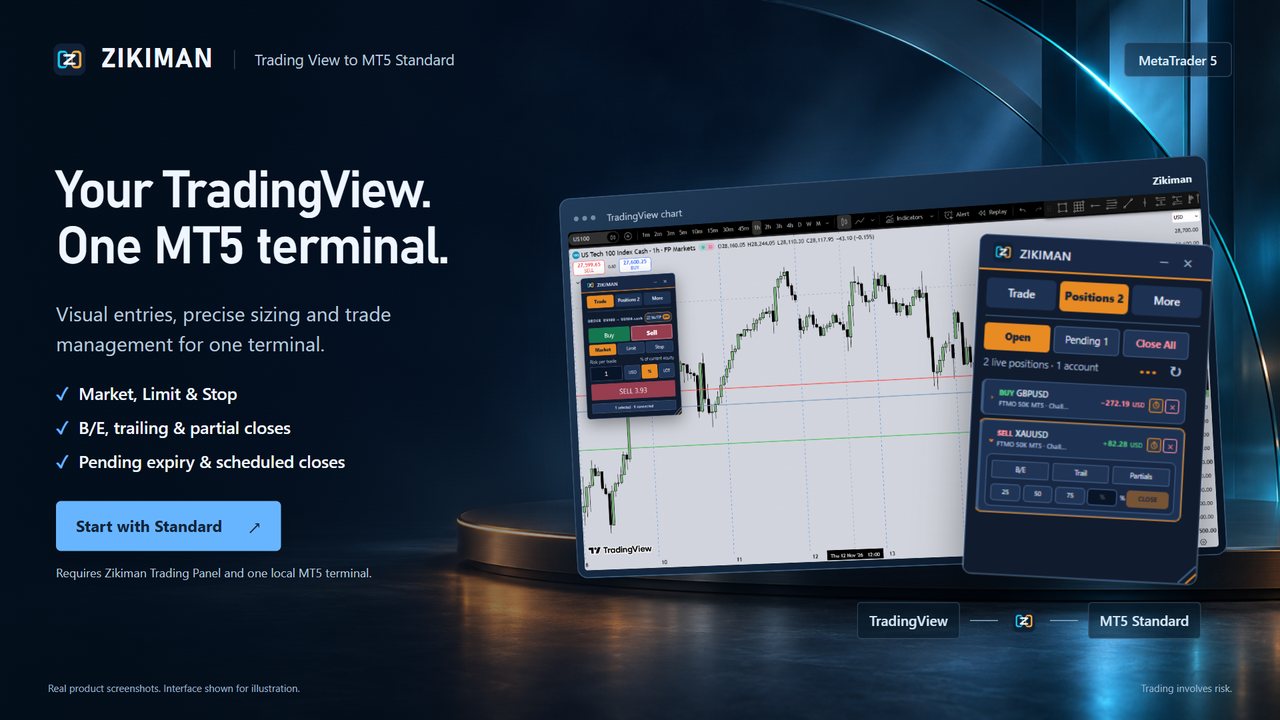
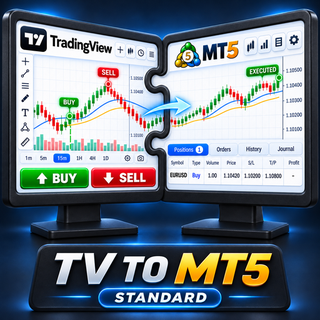
Your TradingView, one MT5 terminal. Precise sizing and full trade management.
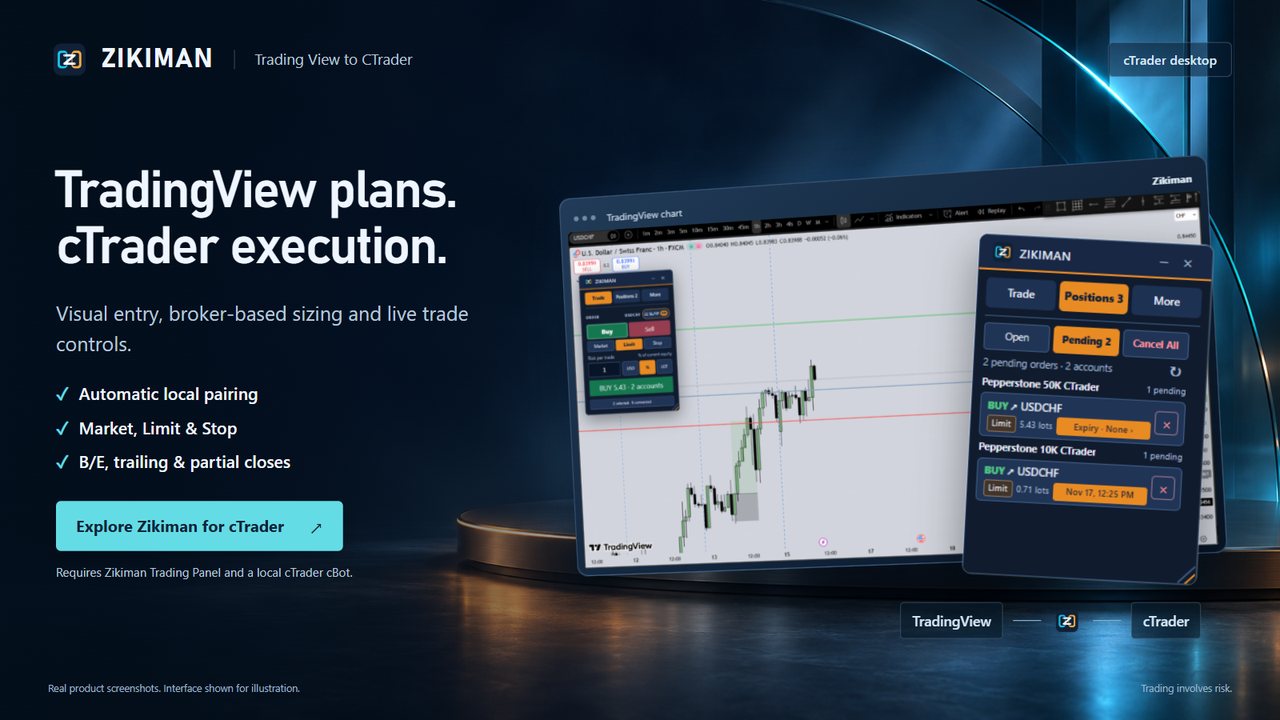
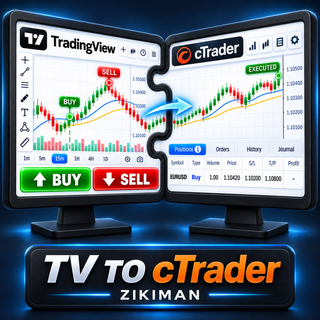
TradingView plans, cTrader execution, through a local cBot on your computer.
Drag Entry, Stop Loss and Take Profit on the chart. Labels show risk, volume and risk-to-reward.
Risk a % of equity, a cash amount or fixed lots. Each terminal sizes with its own broker's contract specs.
Send to the terminals you choose, then manage SL/TP, break-even, trailing, partials and scheduled closes.
Risk panels and a local trade copier for MetaTrader 5 and 4.
Step-by-step videos for MT5 and cTrader on Windows and macOS.
Setup help, compatibility and product questions. We reply by email.